
A PRIVATE LOOKOUT FOR YOUR MAC
Your Mini.
Within reach.
For the machine you leave running.
And the peace of mind you take with you.
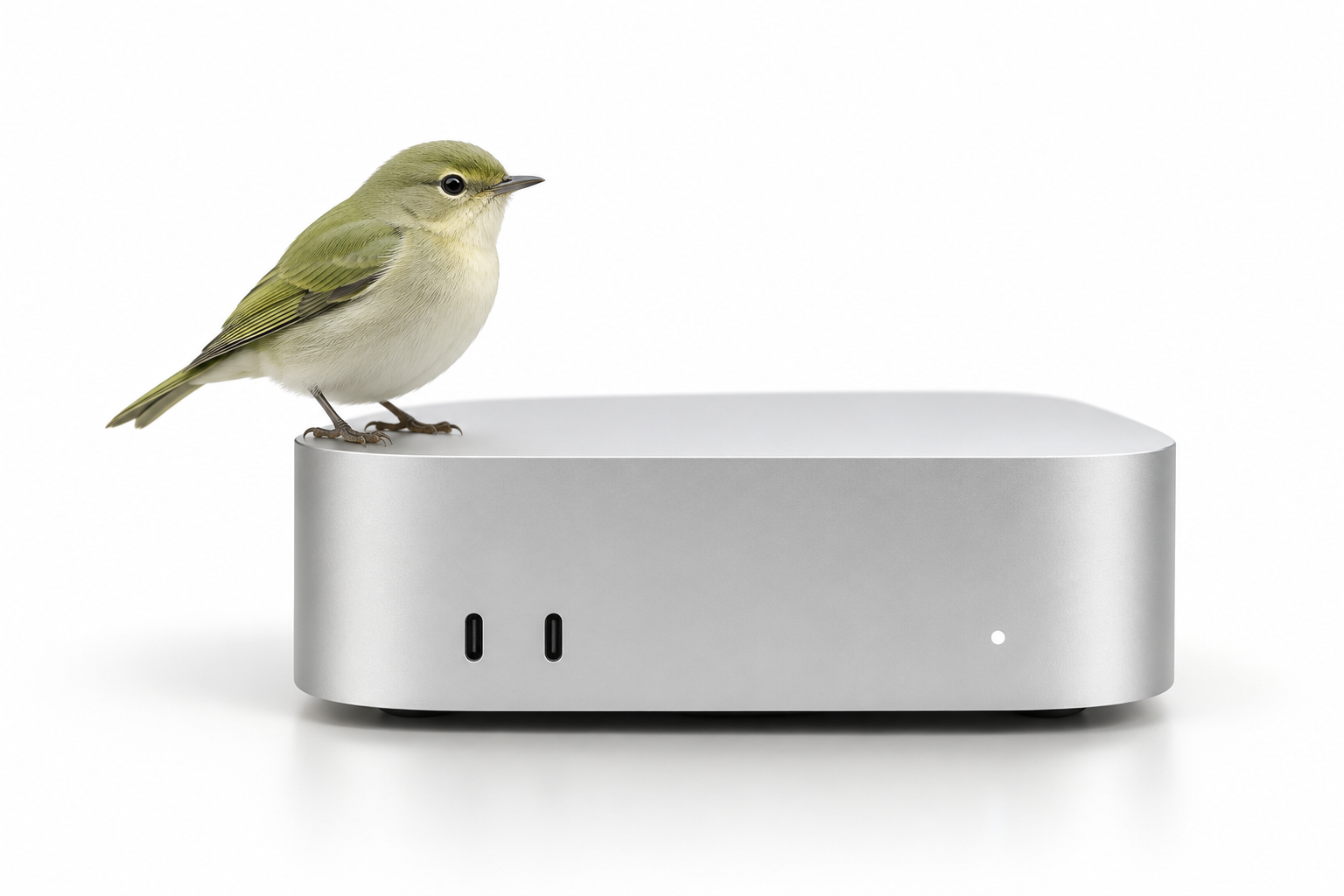
Small footprint. A little bird looking out.
THE IMPORTANT THINGS. AT A GLANCE.
Less wondering.
More knowing.
Your latest heartbeat. A picture of your system resources. The tmux sessions you left behind. A quiet place to check in from your laptop or phone.
 Studio miniSAMPLE DATA
Heartbeat received 18s ago
utilization
of 16 GB allocated
of 512 GB capacity
Illustrative sample. Process counts don’t reveal what a task is doing.
WHEN THINGS GO QUIET
A missed hello.
Not a false alarm.
The last snapshot stays available when your Mac stops reporting. Perch tells you how old it is and makes clear what it can’t know.
Last snapshot 12m ago.
Current state unknown.
The machine, its network, or the agent could be unavailable. A missed heartbeat doesn’t prove your Mac is off.
PERSONAL, BY DESIGN
Your machine.
Your accounts.
Your little corner.
Host your own installation. Restrict access to your Google account. Keep each machine’s heartbeat token separate. No central Perch service.
A LITTLE BIRD ON YOUR MAC
Perch for your Mac.
Download the lightweight agent. Send heartbeats and resource snapshots to your own private Perch dashboard.
Set up your own Perch server first, then connect the agent with your private machine token. This preview runs through Terminal, with an optional background service. A native menu bar app is not available yet.
SHA-256 checksumMAKE YOURSELF AT HOME
One small project.
Entirely yours.
Perch is free, open-source software under the MIT license. The preferred setup is Vercel, Upstash Redis, and your own Google sign-in.
Try it on your Mac first
With Node.js 22 installed, clone the repository and start the local sample dashboard.
git clone https://github.com/mager/perch.git
cd perch
npm ci
npm run demo
Open http://localhost:8787/app. Sample mode needs no accounts and does not monitor your actual Mac.
Still finding its wings. Perch is in development. Hosted sign-in, Redis, and the Mac agent still need end-to-end verification. Free provider tiers are the target, not a billing guarantee. A native menu bar companion is an idea for later.